

Stock control and alerts
Stock levels by product and location, with reorder notices when an item falls below the minimum you set.
Stock, orders and records in view, without chasing spreadsheets.
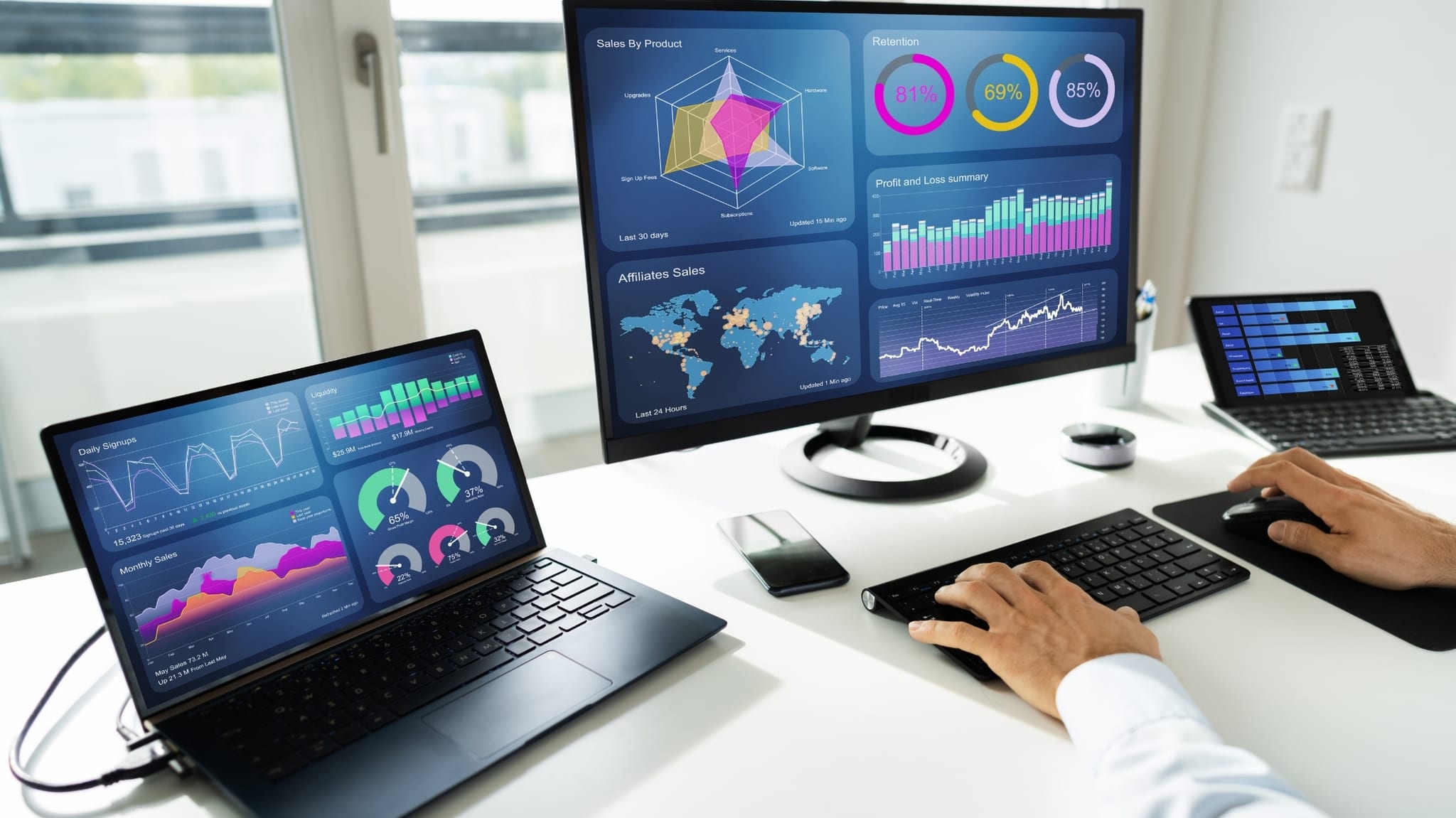
Inventory and orders rarely go wrong from lack of effort; they go wrong from lack of a single source. Everyone keeps their own version of the truth, and the operation is held together by phone calls.
What the sheet says, what is on the shelf and what was promised to the customer are three different figures, and nobody knows which to believe.
Without reorder alerts, you order once you've already run out or pile up what doesn't move. Buying decisions get made by eye.
They're confirmed over chat, jotted in a notebook and dispatched from memory. When something goes wrong, reconstructing what happened takes longer than preventing it would have.
We model your real operation — products, locations, suppliers, order stages — and build the tool around it, connected with the rest of your business, from accounting to your online store or CRM.
Stock levels by product and location, with reorder notices when an item falls below the minimum you set.
Purchase orders, supplier records and goods receipt, with the history of every order close at hand.
Each order moves through its stages — received, prepared, shipped, delivered — and both your team and your customer know where it stands.
Who moved what, when and from where, with a history that lets you review batches, returns or inventory discrepancies.

Order preparation, route or delivery assignment and shipping documents, depending on how your business dispatches.
When your operation calls for it, barcode or QR scanning from a phone, and several warehouses, stores or delivery points handled in one system.
Stock, purchases and orders come from the same source, so the figures stop being a matter of debate.
Alerts and histories help you restock on time and avoid tying up goods that don't move.
Scanning or selecting replaces typing, and connections between systems prevent entering the same thing twice.
Operational reports answer the usual questions — what is short, what is late, what is moving — without building them by hand.
 Typical scenarios
 that show the scope of a system like this, not delivered projects or customer cases.
Each warehouse logs receipts and shipments from a phone; management sees the consolidated total and the transfers pending between locations.
When an item sells on the website, stock is deducted in the central system and a reorder notice is raised if it drops below the minimum.
Technicians log the materials used on each job, and the system deducts stock and flags when it's time to buy more.
Each order moves through its own stages — design, production, quality check, delivery — and anyone on the team can see where it stands and who has it.
A dashboard brings together item turnover, delayed orders and pending purchases, drawn from real data rather than hand-built files.
Before proposing screens, we need to see how your goods actually move and who makes each decision.
We follow a product from the moment it is bought to the moment it is delivered, noting each record, each person and each tool involved.
We decide with you whether control is by product, batch, location or serial number, and which alerts and reports are truly needed.
We review accounting, your online store, the CRM and any other tools that must share data with the system, and how to do it without double entry.
We migrate your current inventory, test with your team in real situations and adjust before you come to depend on the tool.
In many cases, yes. We first check what data each tool exposes and how often it makes sense to sync it; then we design the exchange so a sale, a purchase or an adjustment is recorded only once. When a piece offers no reliable connection, we say so from the outset and propose another route.
Yes, it is a capability we can include when the operation calls for it: reading barcodes or QR codes with the phone camera to record receipts, shipments and counts. If you already use dedicated scanners, we can look at how to integrate them.
It is the starting point. We review your existing sheets or systems, clean up duplicates and inconsistent formats, and load everything into the new system. Before you stop using the old one, we compare figures to confirm they match.
That is the intent. The architecture is planned so a first version covers the essentials and later stages add warehouses, users, product types or reports. We settle this at the start so the data structure can carry that growth without being rebuilt.
 Downtown Orlando, FL
We build software for inventory, purchasing, orders, records and logistics, shaped around how your business actually operates. We work from Orlando, FL, with local companies and with businesses anywhere in the world.
Orlando is our priority local market: based in Downtown Orlando, we meet teams across Orlando and Orange County at visits arranged in advance. The engineering work is remote, so we serve companies in Florida, the United States, Spain, Europe and Latin America with the same process, in English and Spanish.
See our work in OrlandoTell us what you want to solve. We reply with a concrete next step, not a catalog.
Write to us about the products you handle, where you operate from and the tools you use to keep track. That is enough to suggest where to begin.
Downtown Orlando – Orange Avenue
In-person visits to local businesses are arranged in advance. Remote work with clients across Florida, the United States and international markets.
